How to make long AI story videos for free
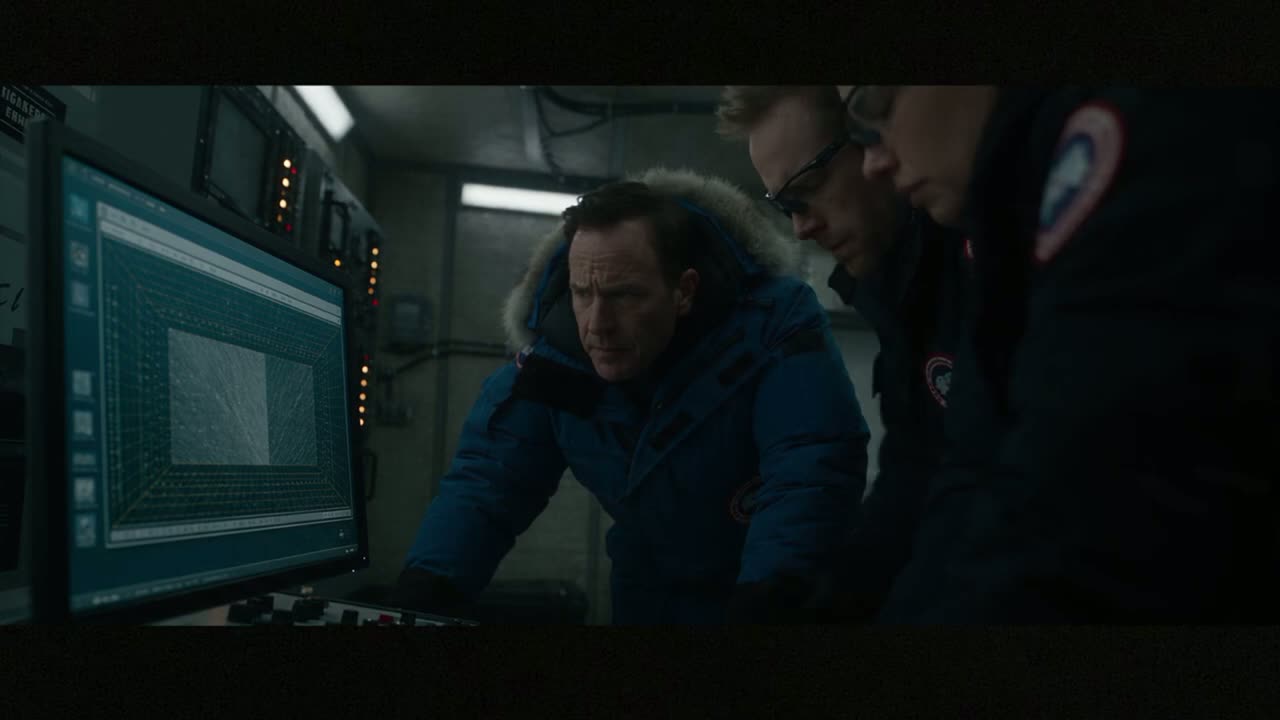
Long AI story videos are getting millions of views right now. The problem: every AI video model gives you about 8 seconds per clip. Most people write a new prompt for every clip, the hero gets a new face, and they quit at scene three.
Here's the fix I use: one master prompt writes the whole story, already split into 8-second scenes. You generate the scenes one by one and stitch them together. The first full story takes about an hour.
1Write the story in one master prompt
Open ChatGPT and describe the story in your own words, like you'd tell it to a friend. Then paste this master prompt with your story in the brackets:
You are a Hollywood director and an expert AI video prompt writer.
My story idea: [TELL YOUR STORY IN 2-5 SENTENCES].

Turn it into 8 scenes for an AI video model. Each scene = one continuous 8-second shot.

For each scene write ONE paragraph that starts with this exact style line:
"Photorealistic cinematic film, 16:9, 24 fps, anamorphic lens, shallow depth of field, soft film grain, no text, no subtitles, no watermark."
Then describe: the main character (same words in every scene), what happens second by second (0-2 s, 2-4 s, 4-6 s, 6-8 s), camera movement, lighting and sound.

Rules:
- Scene 1 opens on the most dramatic image of the story.
- One clear action per scene.
- Scene 8 is the emotional payoff.
- Number the scenes 1-8 and output only the scenes.
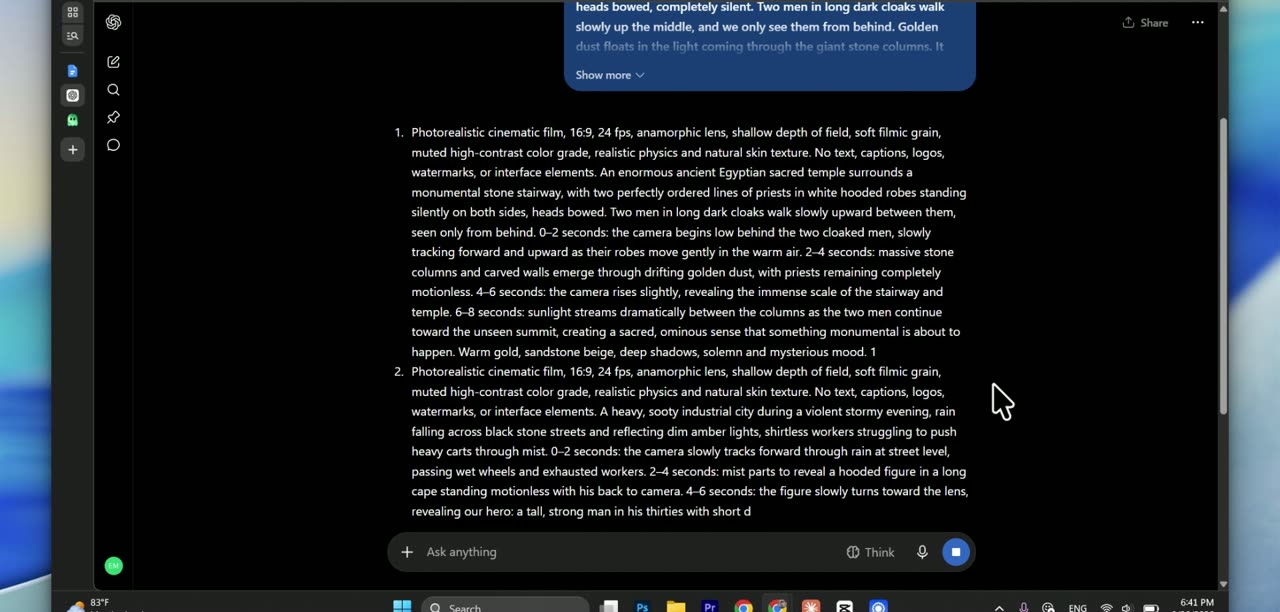
2Get your 8 scenes
ChatGPT gives you 8 long, very detailed scene prompts. They look like a wall of text, and that's good: the more detail, the less the video model has to guess.
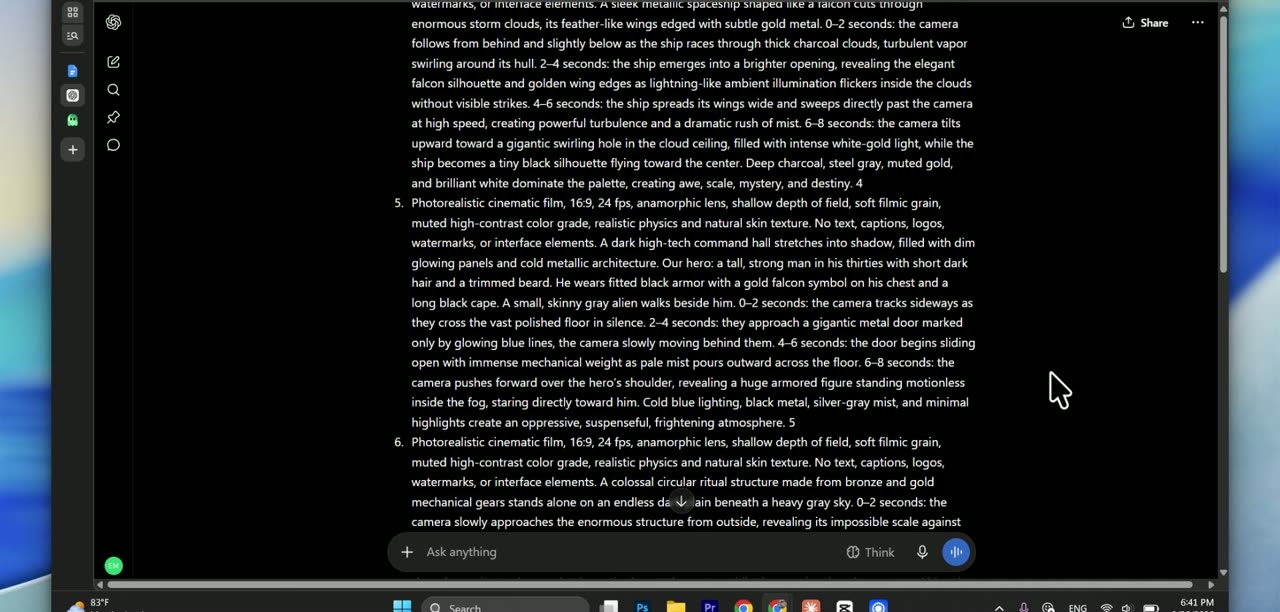
Check before you generate: the character is described with the same words in every scene. If not, ask ChatGPT: "Use the exact same character description in all 8 scenes."
3Generate each scene
Open your AI video generator. I use woso.io: register an account and enter the promo code SUMMER5000 to get free credits. Then copy scene 1, paste it and use these settings:
- Aspect ratio 16:9: this is a long YouTube video, not a Short.
- Quality over speed: if your tool has a fast mode and a quality mode, pick quality.
- Length 8 seconds: that's what each scene was written for.
Wait for the clip, check it, then do the same with scenes 2 to 8. Don't edit the prompts between scenes: keeping them untouched is what keeps the story consistent.
Generate your scenes on woso.io
The generator I use for my AI stories. Paste scene 1 and start.
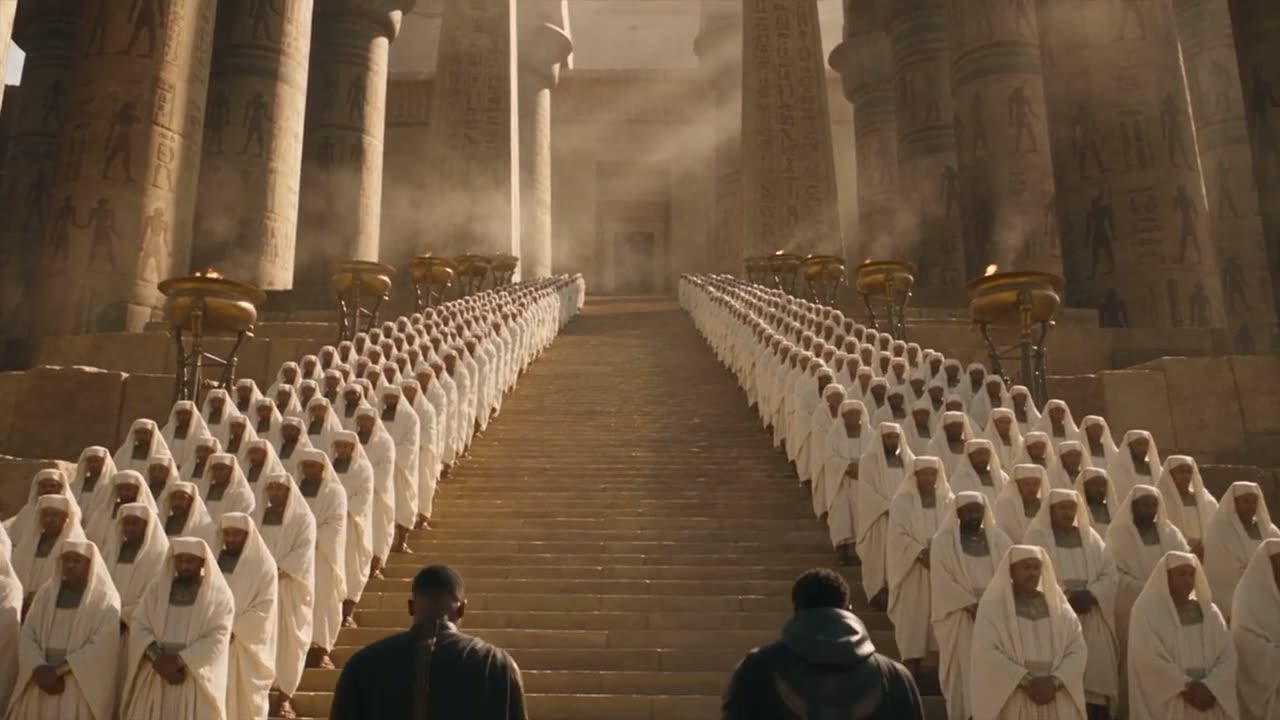
Open woso.io →Here's what my 8 scenes looked like:
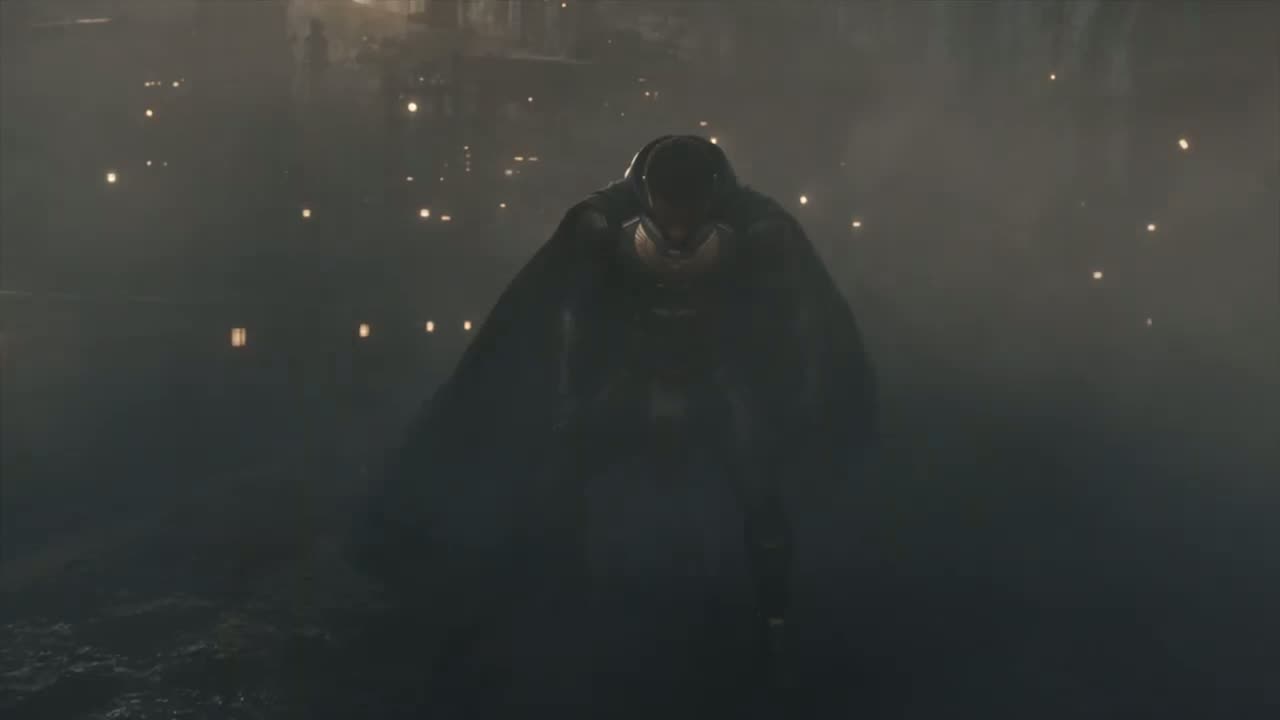
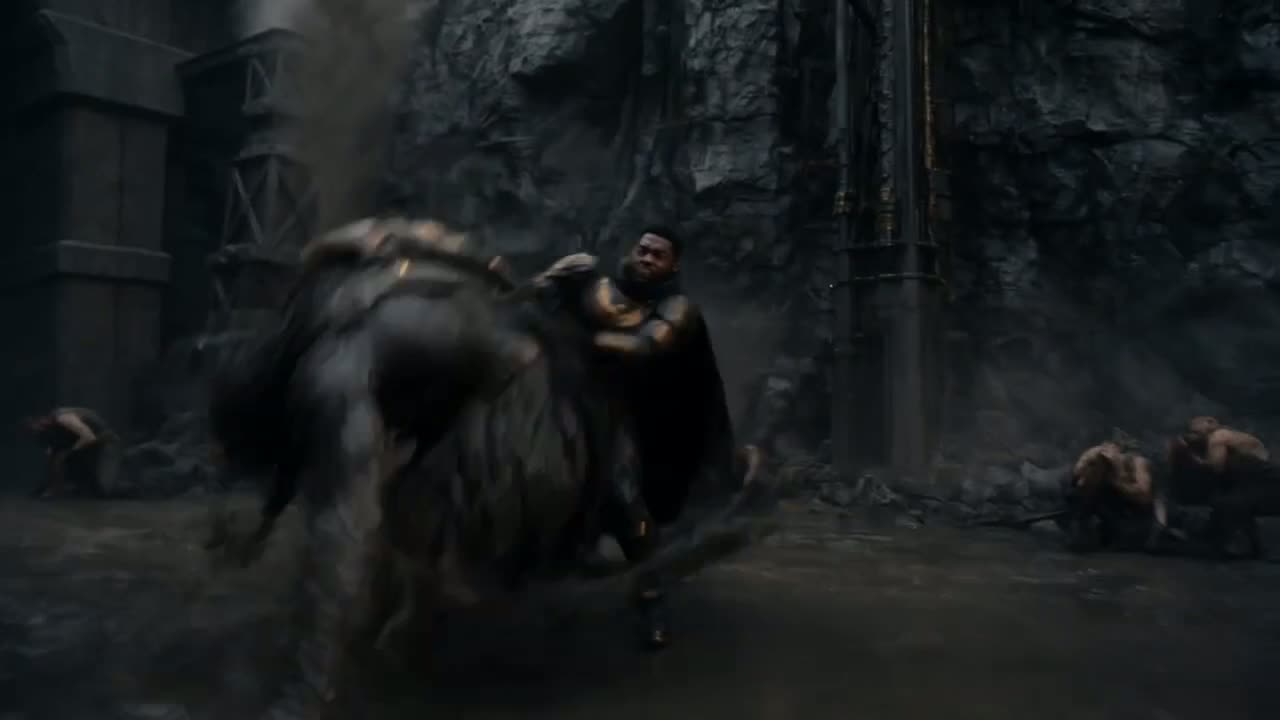
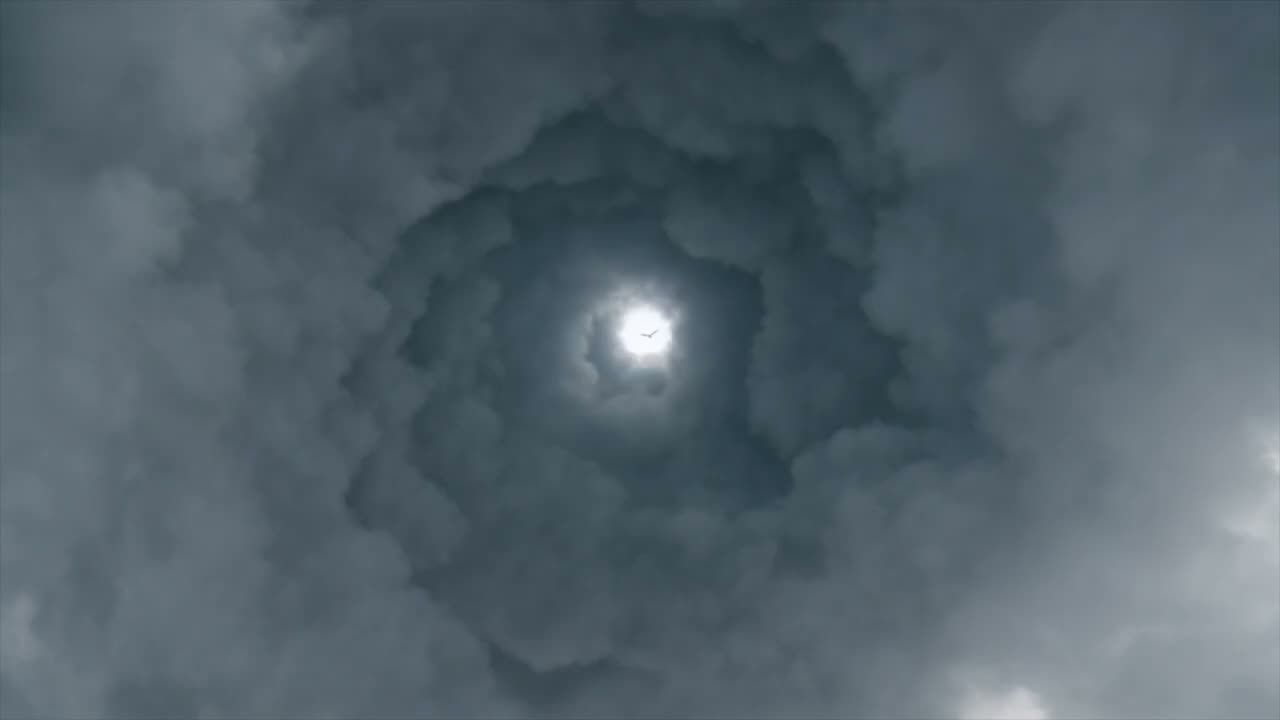
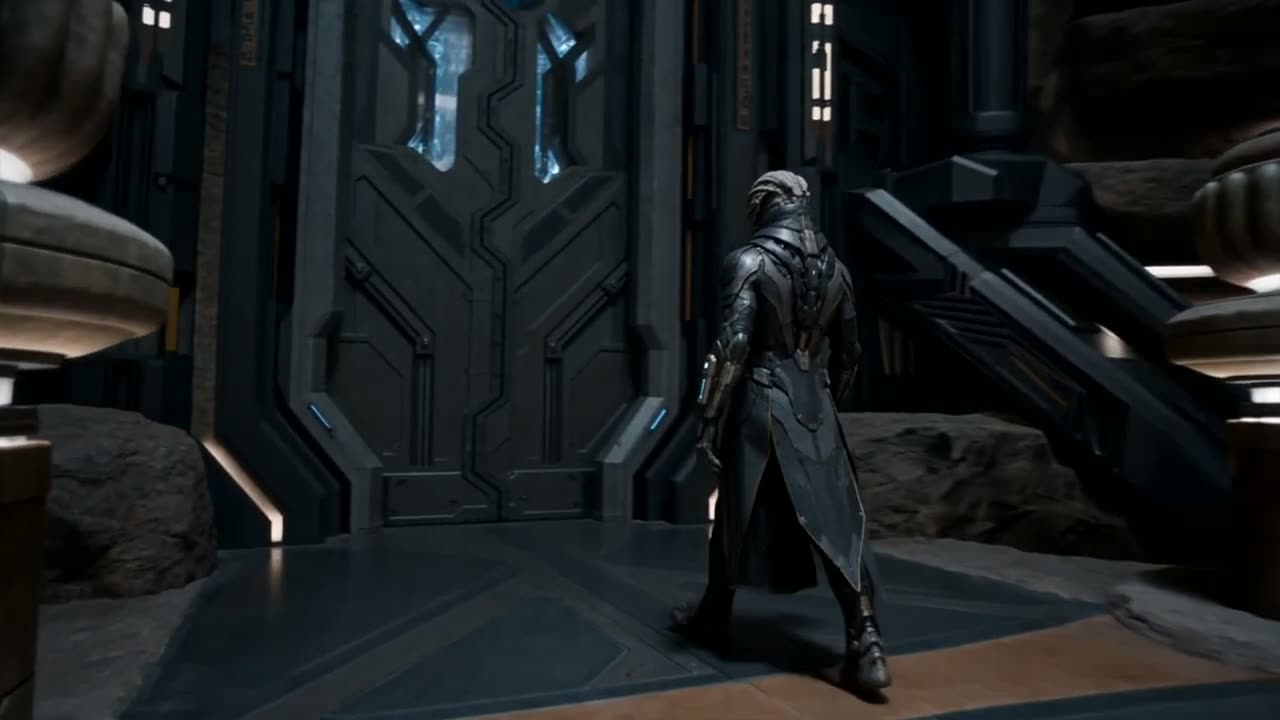
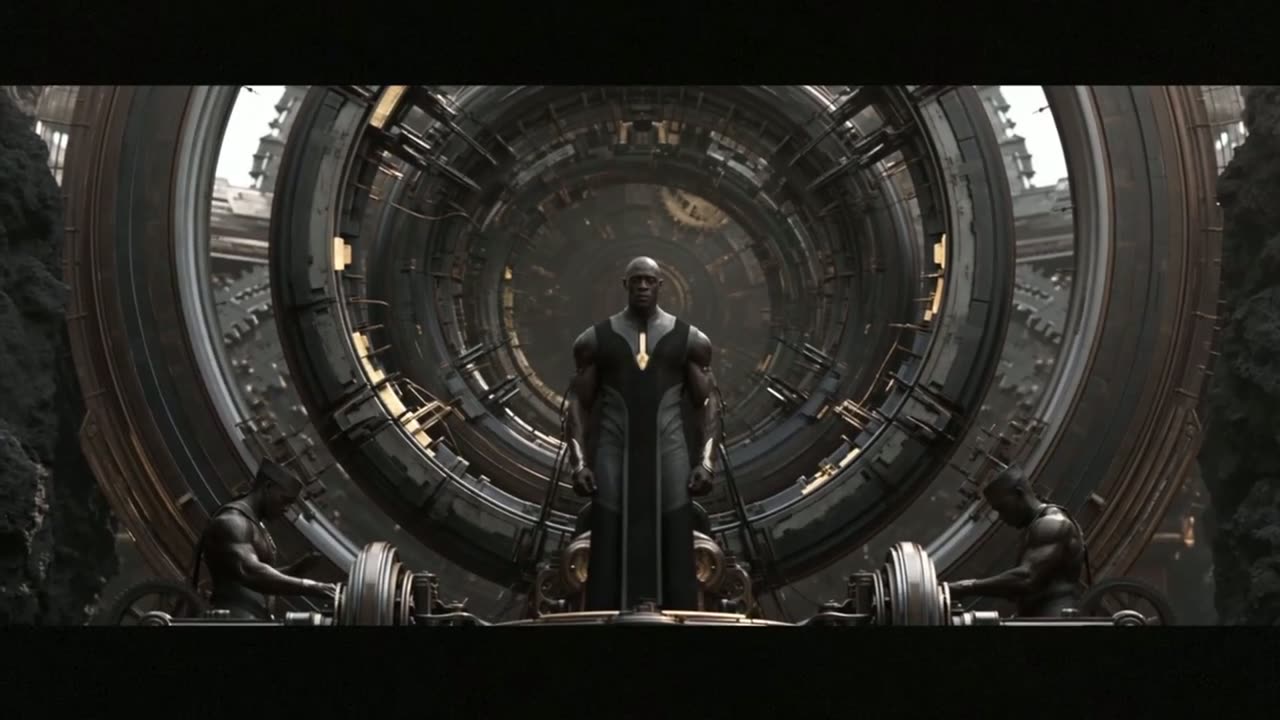
4Stitch the scenes in CapCut
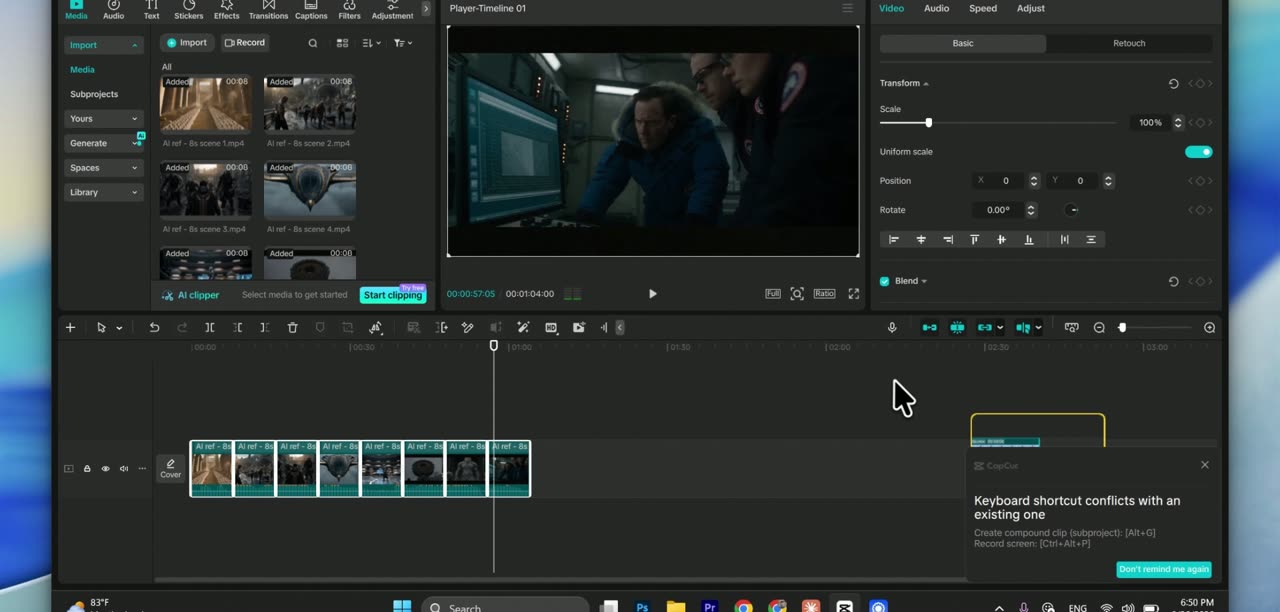
- Download all 8 clips.
- Open CapCut (free), import the clips and drag them onto the timeline in order.
- Trim the dead frames at the start and end of each clip so the cuts feel fast.
5Add audio and publish
Add a narration or music and sound effects. Keep the music quiet enough that the voice stays clear. Then upload to YouTube, and cut the best scene into a Short to bring people to the full story.
Common mistakes
- Rewriting prompts between scenes: that's how the hero gets a new face.
- Choosing 9:16 for a long YouTube video.
- Starting with a slow establishing shot. Start with the most dramatic image.
Want the character even more consistent? Read Keep the same AI character in every scene.
Erick
5 years making AI content, 1,000+ AI videos, 20M+ views.